Construction and material decisions
What changes the specification?
Bottom gusset and standing space
Check the opened bottom-gusset depth with the actual fill. Width and height alone cannot predict standing stability or usable volume. Confirm the side-seal and top-seal allowances on the drawing, then test how the filled pouch rests and opens during the intended use.
Window placement and print area
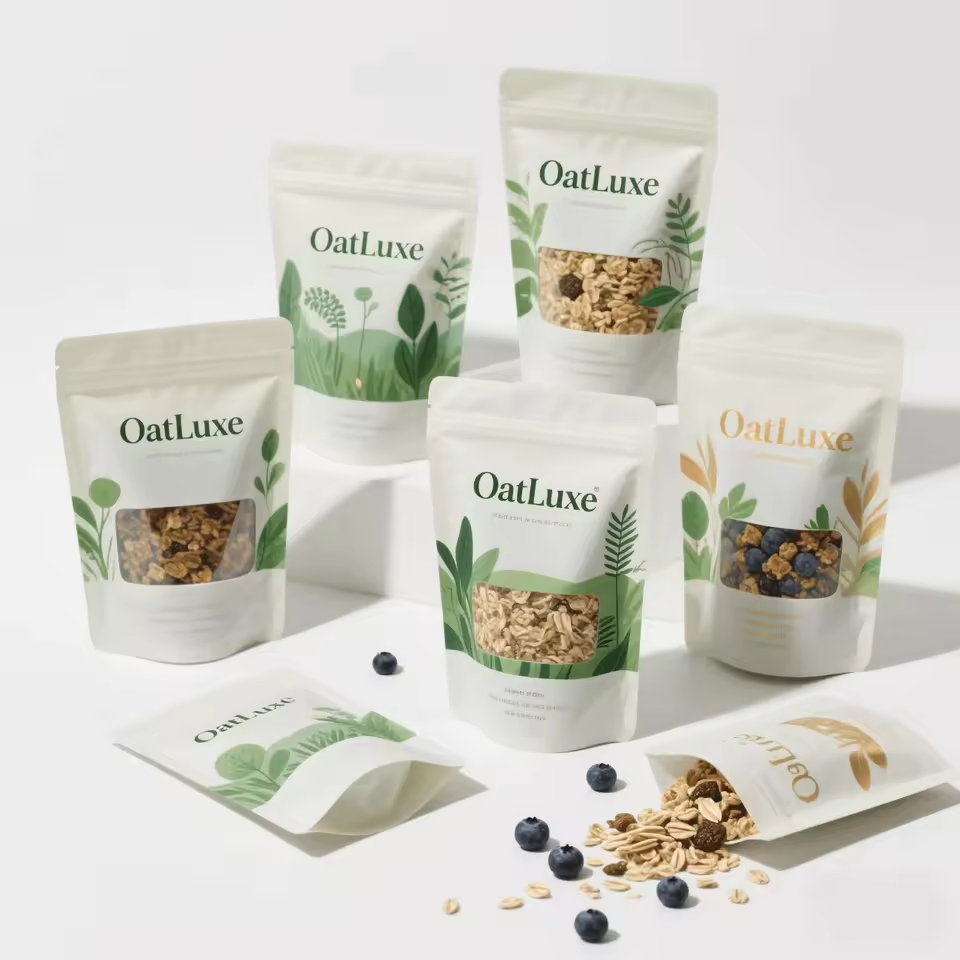
This image shows white oat pouches with small rectangular product windows. Check how the visible product area will align with the fill level and the approved front-panel artwork. Keep clear areas away from seals and do not infer whole-pack barrier from the printed part of the pouch.
Material identity still open
The supplied material field does not establish a complete laminate. Request the named layers and their functions before comparing barrier, handling or sealing performance. The image alone cannot resolve the internal construction.
Actual catalog differences
Compare the fields, then the image.
These references have a related application or construction. Check their intended contents separately; a shared appearance does not establish interchangeability or better performance.
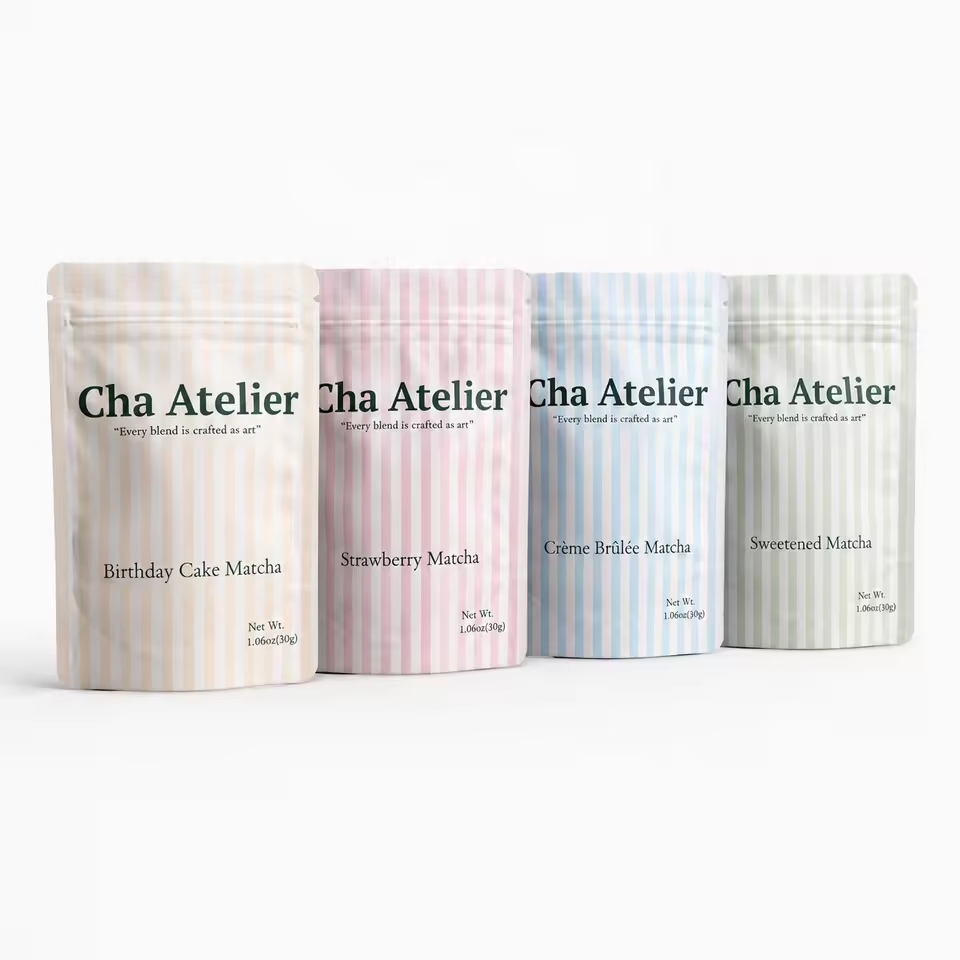
The alternative image shows four pale tea pouches differentiated by narrow label colors.
FieldSP296SP090
Print / surface referenceDigital or gravure printingGravure Printing
A missing field means the value was not supplied; it does not mean the feature is absent.
The alternative image shows a pastel fruit-pouch series displayed with fruit props.
FieldSP296SP067
Candidate materialMaterial to confirmMOPP, BOPP, OPP, PP, VMPET, PE, Aluminum, PET
Print / surface referenceDigital or gravure printingDigital Printing
A missing field means the value was not supplied; it does not mean the feature is absent.
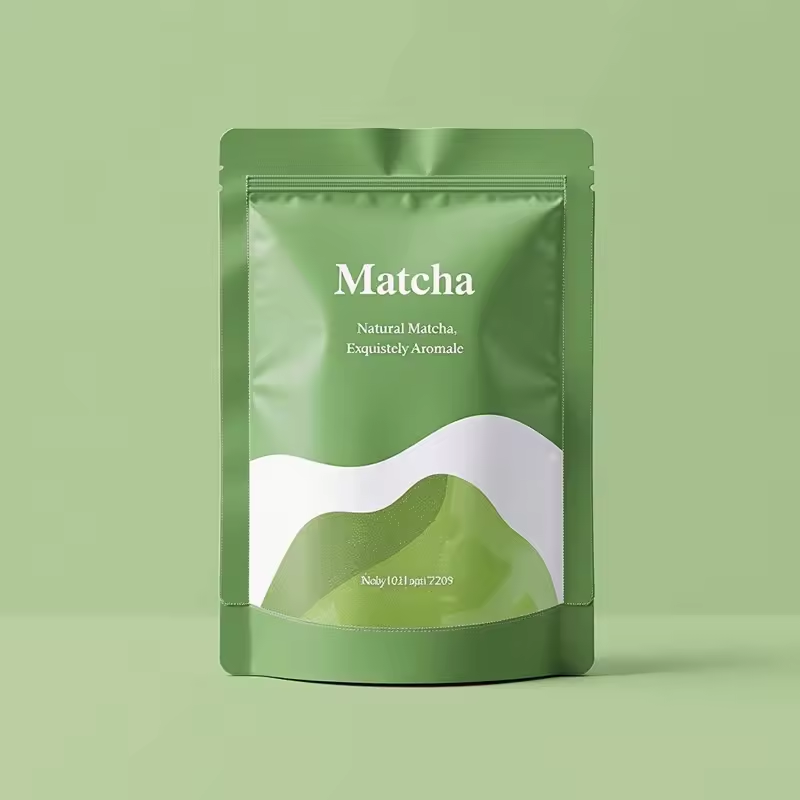
The alternative image shows a green matcha pouch with a broad flowing white graphic.
FieldSP296SP071
Candidate materialMaterial to confirmMOPP/VMPET/PE
FinishSurface finish to confirmMatte
Print / surface referenceDigital or gravure printingGravure Printing
A missing field means the value was not supplied; it does not mean the feature is absent.