Construction and material decisions
What changes the specification?
Fitment, cap and filling route
Confirm the bore, cap and fitment position together with the filling line. Trial cap torque, fitment weld integrity and dispensing with the real product. A corner spout changes pouring orientation; a centered spout changes filling access. The selected fitting needs a separate dimensioned record.
Dispensing details to add to this record
The opening field reads “Spout Top”. The reference does not provide a numeric fill mass or volume. Add the cap specification, bore and filling method before comparing this reference with another spout pack.
Separate the print web from the sealant
The listed film names need to be turned into a layer-by-layer construction. Identify the outer print web, any barrier component and the product-contact sealant. Agree total gauge and sealing conditions instead of treating a list of polymers as a finished laminate.
Actual catalog differences
Compare the fields, then the image.
These references have a related application or construction. Check their intended contents separately; a shared appearance does not establish interchangeability or better performance.
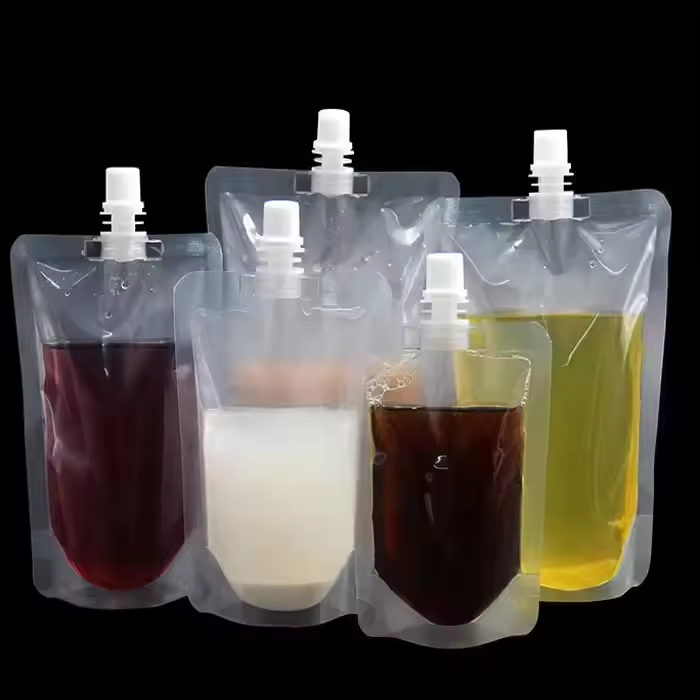
The alternative image shows clear spout pouches filled with several dark and pale liquids.
FieldSP250SP359
Candidate materialpePA+PE,PET+PE
Listed gaugeNot supplied50-200microns
Print / surface referenceOffset PrintingGravure Printing
A missing field means the value was not supplied; it does not mean the feature is absent.
The alternative image shows an unprinted clear spout pouch lying at an angle.
FieldSP250SP261
Candidate materialpePE
Print / surface referenceOffset PrintingNot supplied
A missing field means the value was not supplied; it does not mean the feature is absent.
The alternative image shows clear spout pouches arranged from small to large.
FieldSP250SP354
Candidate materialpePA+PE,PET+PE
Listed fill optionsNot supplied50ml 100ml 150ml 200ml 250ml 380ml 500ml
Print / surface referenceOffset PrintingGravure Printing
A missing field means the value was not supplied; it does not mean the feature is absent.