Construction and material decisions
What changes the specification?
Bottom gusset and standing space
Check the opened bottom-gusset depth with the actual fill. Width and height alone cannot predict standing stability or usable volume. Confirm the side-seal and top-seal allowances on the drawing, then test how the filled pouch rests and opens during the intended use.
Separate the print web from the sealant
The listed film names need to be turned into a layer-by-layer construction. Identify the outer print web, any barrier component and the product-contact sealant. Agree total gauge and sealing conditions instead of treating a list of polymers as a finished laminate.
Actual catalog differences
Compare the fields, then the image.
These references have a related application or construction. Check their intended contents separately; a shared appearance does not establish interchangeability or better performance.
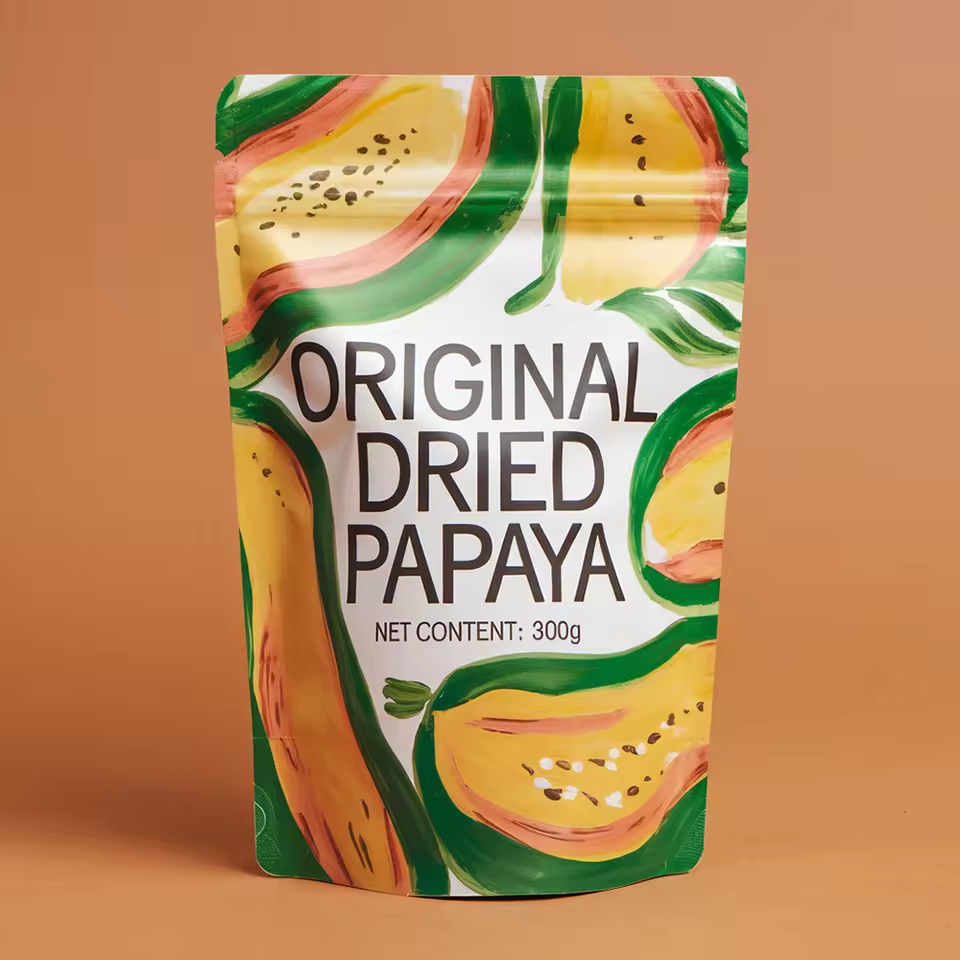
The alternative image shows a pale yellow papaya pouch with a curved fruit graphic.
FieldSP171SP225
Candidate materialBOPP, PET, PEAluminum, PE, PET+PVC
OpeningZipper TopZipper Top / Heat Seal
Listed fill options1g 3.5g 7g 14g 28gNot supplied
Print / surface referenceDigital Printingdigital printing / Glossy/Matte/ or Both
A missing field means the value was not supplied; it does not mean the feature is absent.
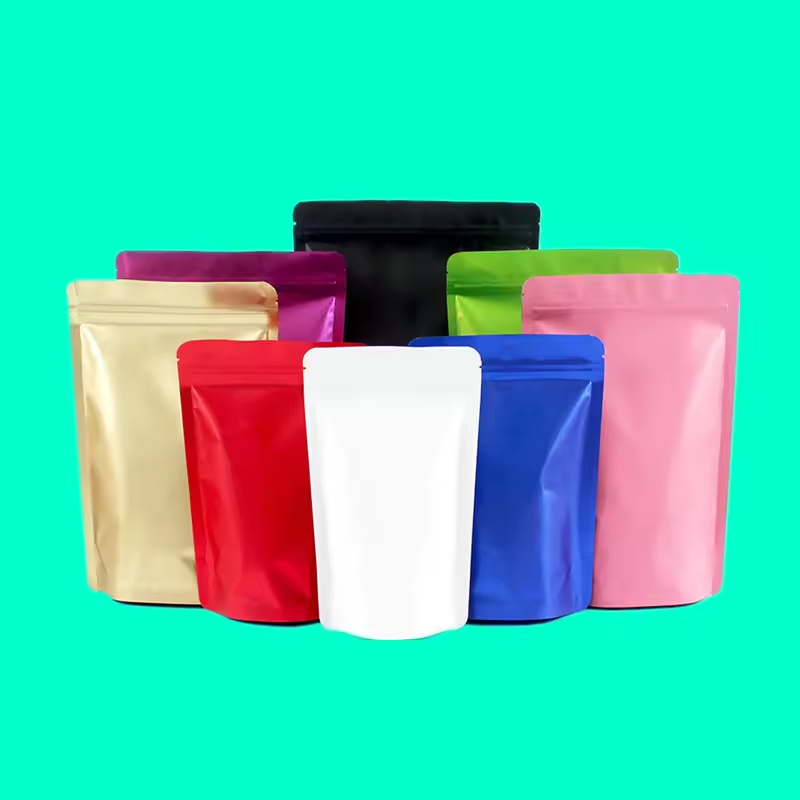
The alternative image shows red, blue, white, kraft-look and metallic pouches on a teal background.
FieldSP171SP124
Candidate materialBOPP, PET, PEMOPP/VMPET/LDPE, Aluminum foil
OpeningZipper TopHeat Seal
Listed fill options1g 3.5g 7g 14g 28gNot supplied
Print / surface referenceDigital PrintingGravure Printing
A missing field means the value was not supplied; it does not mean the feature is absent.
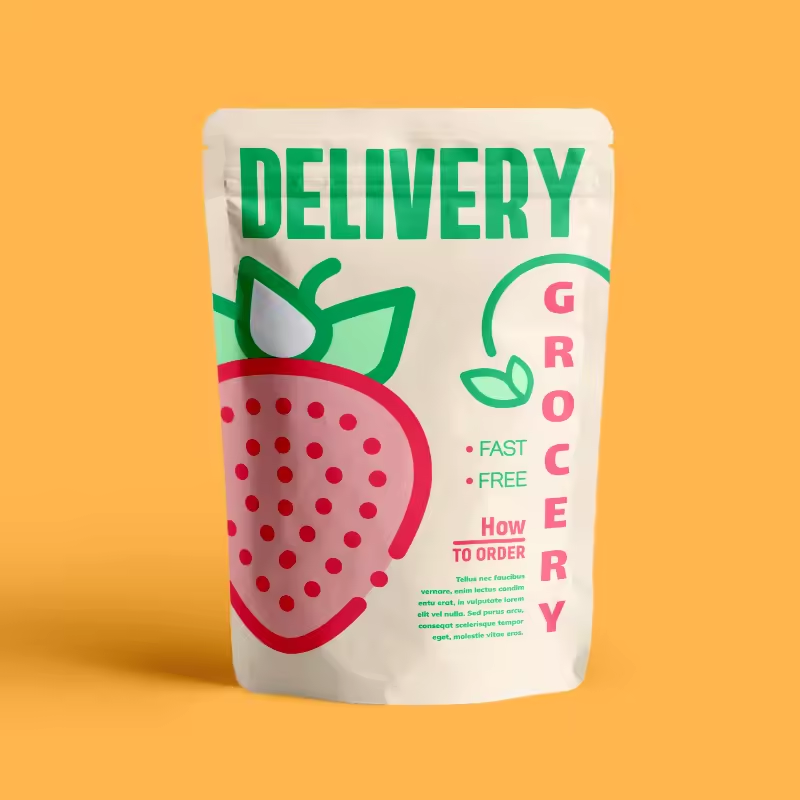
The alternative image shows a pale pouch with green lettering and a red fruit illustration.
FieldSP171SP022
Candidate materialBOPP, PET, PEMOPP/VMPET/PE
Listed gaugeNot supplied20-200 microns or Customized Thickness
Listed fill options1g 3.5g 7g 14g 28gNot supplied
Print / surface referenceDigital PrintingGravure Printing
A missing field means the value was not supplied; it does not mean the feature is absent.