Construction and material decisions
What changes the specification?
Bottom gusset and standing space
Check the opened bottom-gusset depth with the actual fill. Width and height alone cannot predict standing stability or usable volume. Confirm the side-seal and top-seal allowances on the drawing, then test how the filled pouch rests and opens during the intended use.
Window placement and print area
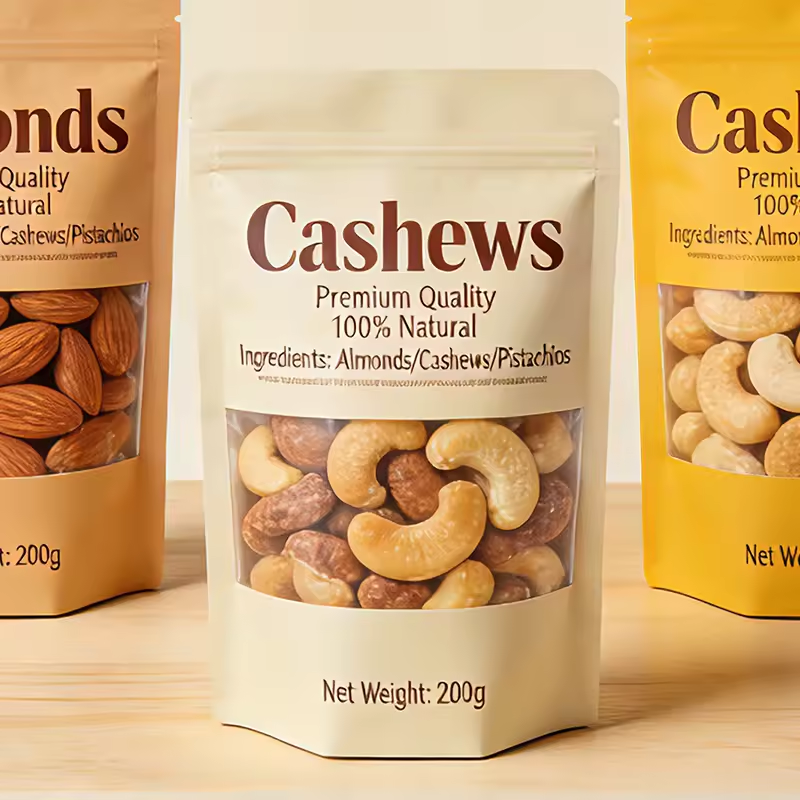
This image shows kraft-look cashew pouches with large curved product windows. Check how the visible product area will align with the fill level and the approved front-panel artwork. Keep clear areas away from seals and do not infer whole-pack barrier from the printed part of the pouch.
Separate the print web from the sealant
The listed film names need to be turned into a layer-by-layer construction. Identify the outer print web, any barrier component and the product-contact sealant. Agree total gauge and sealing conditions instead of treating a list of polymers as a finished laminate.
Actual catalog differences
Compare the fields, then the image.
These references have a related application or construction. Check their intended contents separately; a shared appearance does not establish interchangeability or better performance.
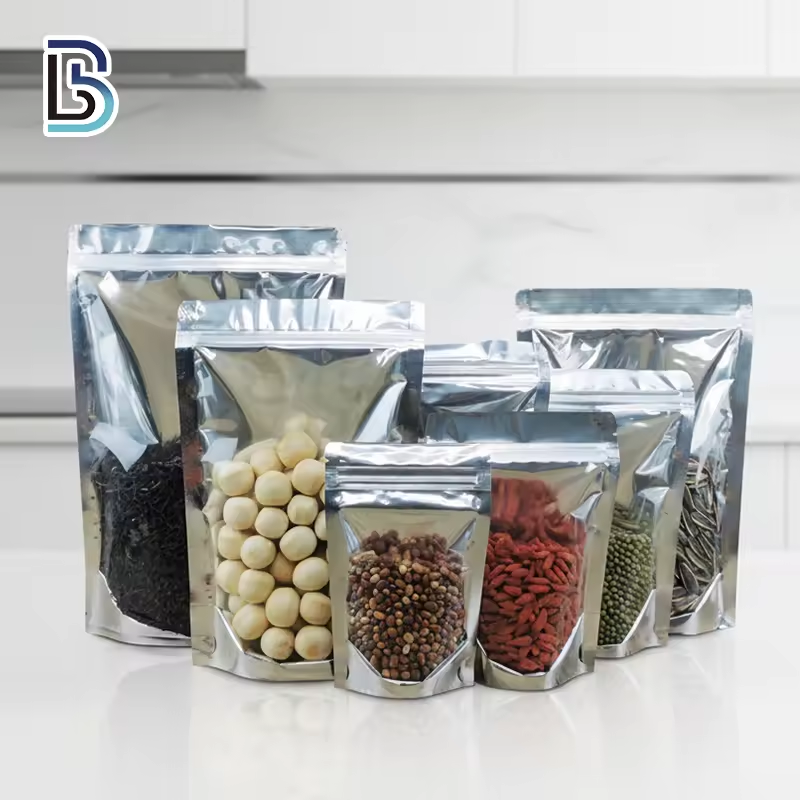
The alternative image shows clear and silver-backed pouches displaying several nut and grain products.
FieldSP291SP152
Candidate materialBOPP, MOPP, PE, PETPET, VMPET, CPP
Print / surface referenceDigital PrintingGravure Printing
A missing field means the value was not supplied; it does not mean the feature is absent.
The alternative image shows two white nut pouches with large oval transparent windows.
FieldSP291SP434
Candidate materialBOPP, MOPP, PE, PETBopp/Mopp/PET/PE
A missing field means the value was not supplied; it does not mean the feature is absent.
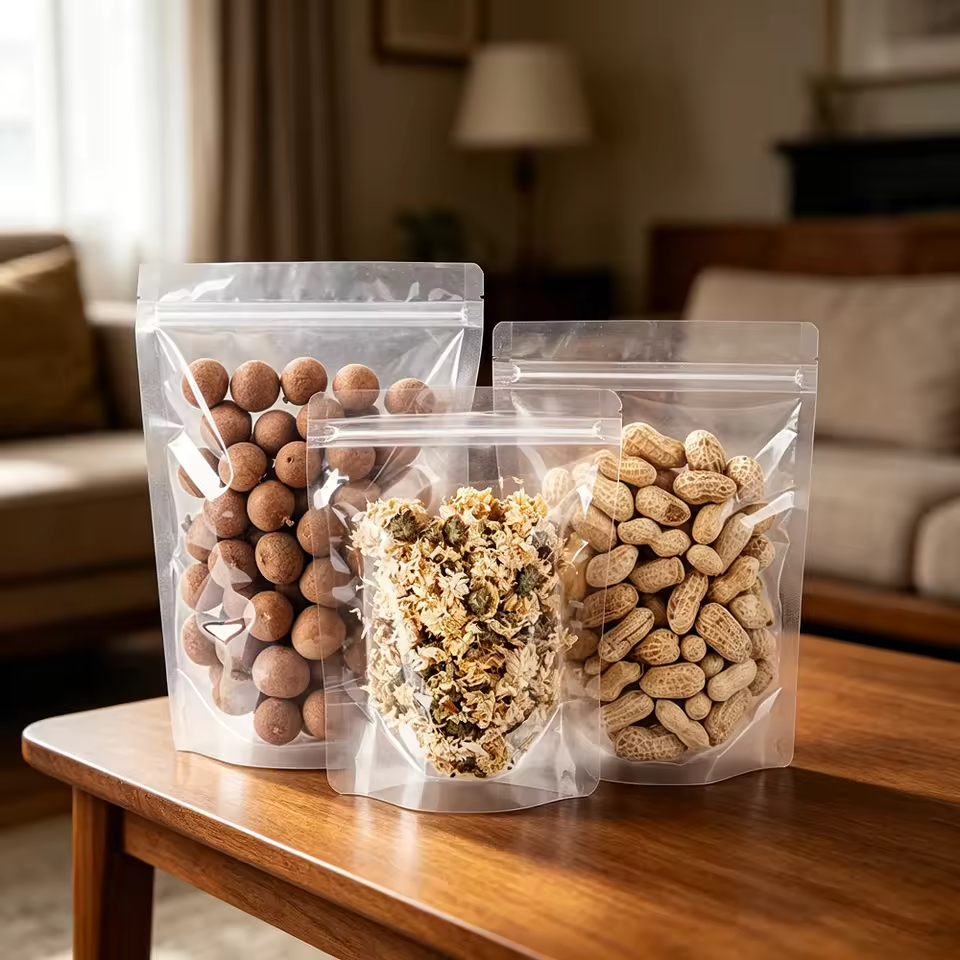
The alternative image shows clear pouches displaying nuts at two visible fill levels.
FieldSP291SP031
Candidate materialBOPP, MOPP, PE, PETMaterial to confirm
Print / surface referenceDigital PrintingGravure Printing
A missing field means the value was not supplied; it does not mean the feature is absent.