Construction and material decisions
What changes the specification?
Resolve the format before sizing
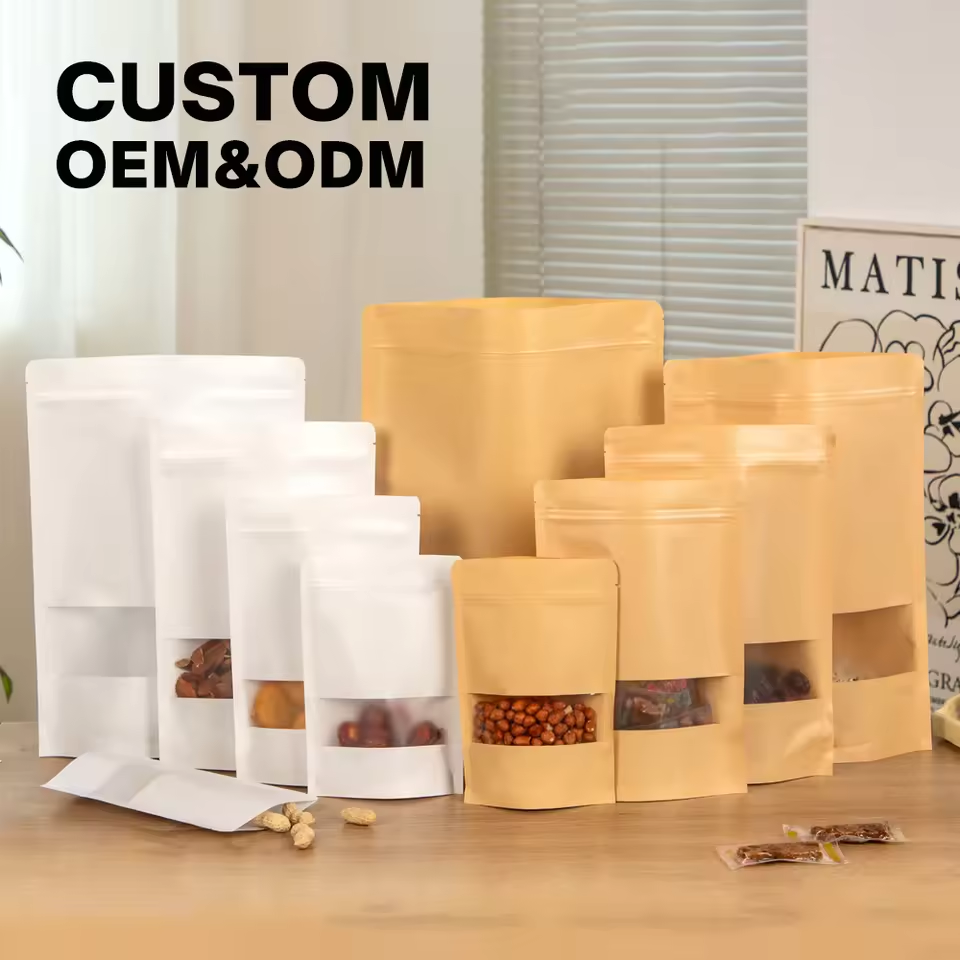
The title and bag-type information do not establish one approved construction. Use the supplied image as a visual reference and request a sample or drawing showing the opening, side folds, bottom and seal positions. Final dimensions should follow that confirmed format.
Window placement and print area
This image shows white and kraft-look pouches with narrow ingredient windows. Check how the visible product area will align with the fill level and the approved front-panel artwork. Keep clear areas away from seals and do not infer whole-pack barrier from the printed part of the pouch.
Paper appearance and the film layers
The material list includes a paper or kraft component. The supporting films and sealant still need to be specified; a paper appearance does not establish recyclability or compostability. Check color and registration on the actual outer surface.
Actual catalog differences
Compare the fields, then the image.
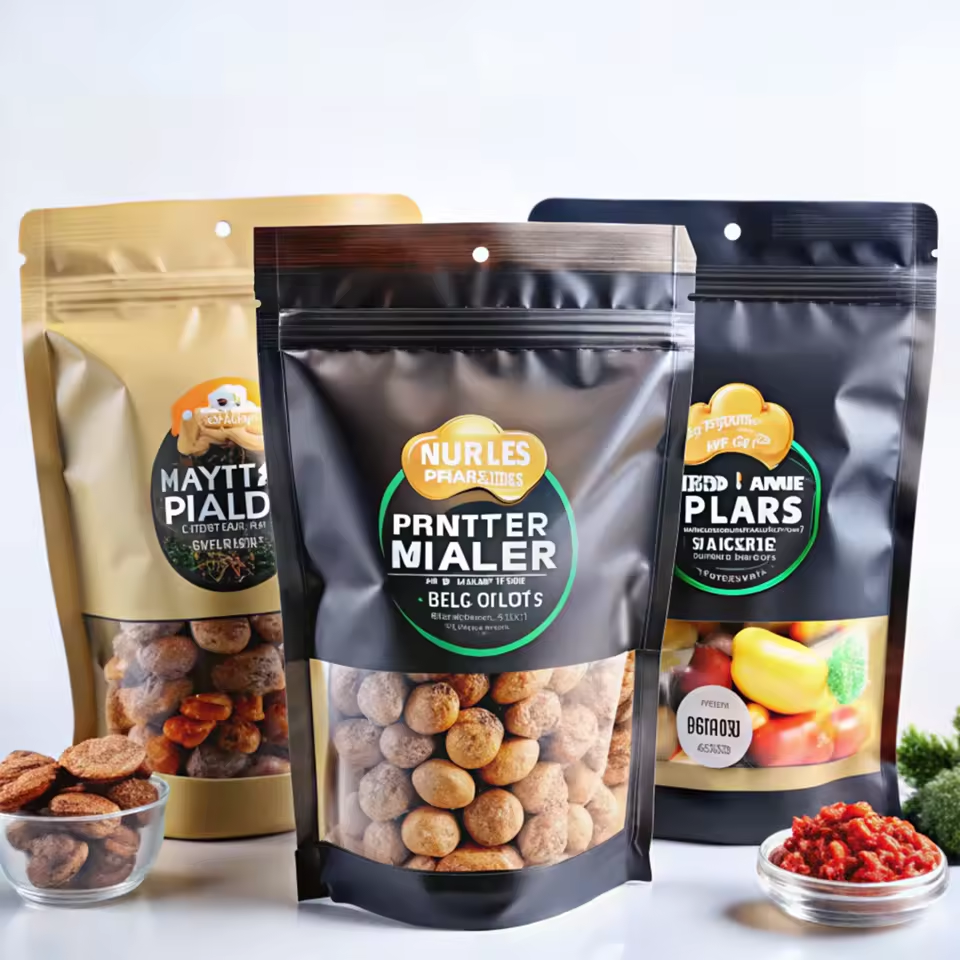
These references have a related application or construction. Check their intended contents separately; a shared appearance does not establish interchangeability or better performance.
The alternative image shows nut and dried-fruit pouches with black, gold and blue labels.
FieldSP427SP262
Candidate materialmopp+Kraft paper+cppPE / PET/PE, PET/PE
Print / surface referenceGravure PrintingFlexo Printing / Digital printing
A missing field means the value was not supplied; it does not mean the feature is absent.
The alternative image shows kraft-look pouches with rectangular clear nut windows.
FieldSP427SP063
Candidate materialmopp+Kraft paper+cppPET, KRAFT, CPP
Print / surface referenceGravure PrintingPad Printing, Silk Screen Printing
A missing field means the value was not supplied; it does not mean the feature is absent.
The alternative image shows brown and cream cashew pouches with large oval windows.
FieldSP427SP195
Candidate materialmopp+Kraft paper+cppPET, PE, VMPET, MOPP
FinishSurface finish to confirmMatte
Print / surface referenceGravure PrintingGravure printing/Digital Printing
A missing field means the value was not supplied; it does not mean the feature is absent.